
%201.png)
.svg)
Want to help customers find your stores faster without pulling your hair out in code? Good news: you can set up a fully functional, beautifully designed store locator on your website in just five minutes. And you don’t need to be a developer to do it.
Here’s exactly how to do it with StoreTrack — the no code store locator tool designed for businesses of all sizes.
Why Add a Store Locator?
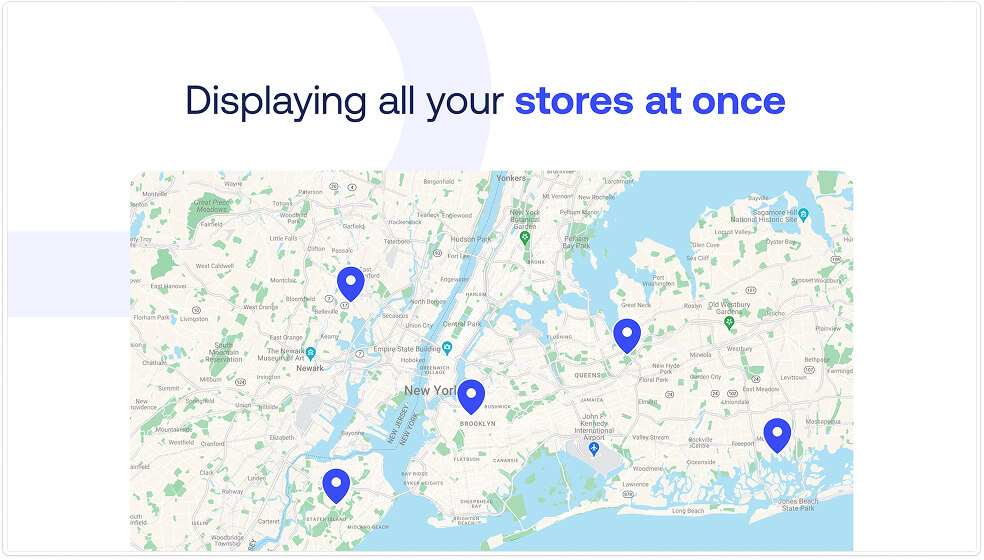
If your business has multiple locations or sells products through retailers, a store locator helps your customers:
- Find nearby stores easily
- Get directions and contact details
- Filter by services, hours, or locations
Translation: Get more visitors to stores and let your customers find the ones nearby.
Step by Step: Add a Store Locator to Your Website in 5 Minutes
1. Create a Free StoreTrack Account
Head to StoreTrack and click "Create Store Locator." No payment needed to get started.
2. Add Your Locations
You’ve got two options:
- Manual entry for just a few locations
- CSV bulk import if you have dozens or hundreds (StoreTrack auto imports everything from your spreadsheet)
3. Enhance your locations
Make your locations more apieling:
- Add opening hours to a location
- Add filters for example: Open 24h or Parking available
- Add a picture
- Add a website, social media or phone number
4. Customize Your Store Locator
Make your locator match your brand with:
- Custom colors and fonts
- Unique map styles
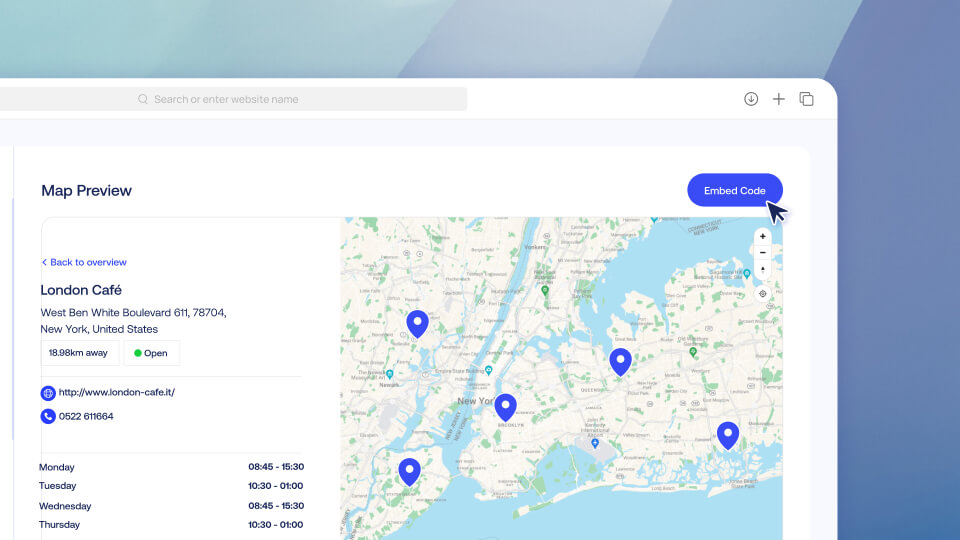
5. Embed It on Your Website
StoreTrack supports 20 plus platforms including Shopify, Wix, WordPress, Webflow, Framer, and Squarespace. Just copy the embed code and paste it where you want your locator to appear.
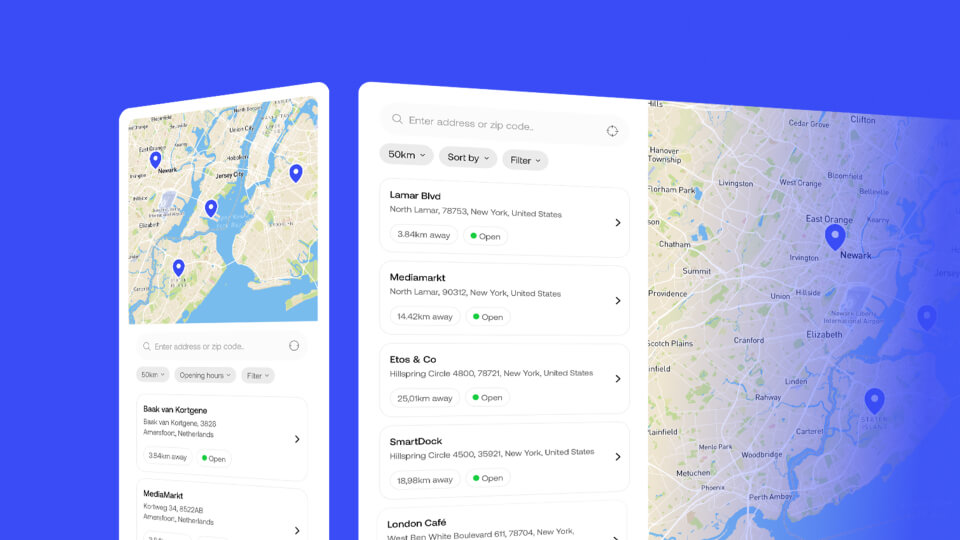
6. Go Live, It’s Mobile Friendly Too
StoreTrack is fully responsive, so your customers get a smooth experience whether they’re on desktop, tablet, or phone.
Adding More Locations After Launch?
Adding more locations after adding the store locator to your website is not a problem at all.
Simply add new locations in you StoreTrack dashboard and they will automatically show in your live website.
Extra Features That Make Life Easier
- Automatic geolocation detection
- Zip city postcode search
- Filters for store types, hours, services, etc.
- Add links and directions to each store
- Real human support when you need it
Ready to Launch Your Locator?
In just five minutes, you can have a professional, branded store locator that helps customers find your business faster.
👉 Get started with StoreTrack now
No code. No headaches. Just results.
P.S. Want platform specific setup guides? Check out:


